How you play
Characters who send word when they need you
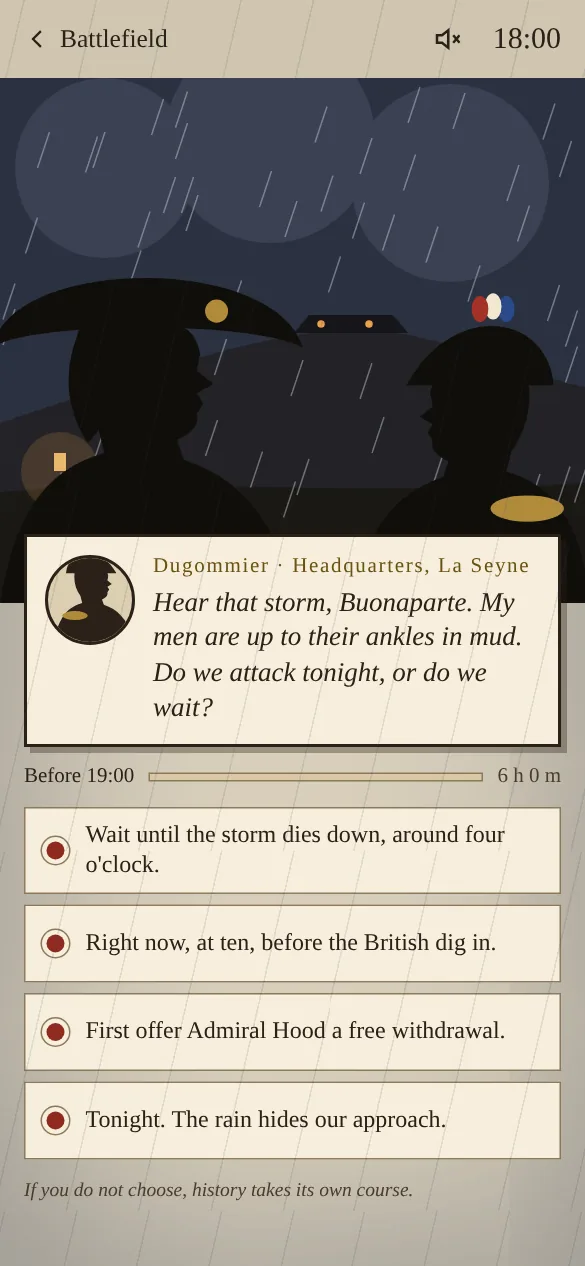
A messenger rides up, a sergeant shouts through the rain, a letter arrives from Marseille. In Slowmarch these moments reach you as a notification on your phone or computer, written by the character who needs you, with the time you have left to answer.
Written by the people in the story
A notification is never “You have a new event”. It is Junot: “Commander! A gunner is hit, the men are falling back!” Or Barras asking whether you will take command of Paris tonight. Tap it and you land on the scene, where you see the situation and your options.
Only when it counts
You get word when someone waits for a decision, and a short reminder if time is running out. Nothing else: no daily nudges, no advertising, no streaks. You can set quiet hours so nobody wakes you at night, and pause all notifications in your account with one button.
On every device you use
Turn notifications on per device: your phone, your laptop, a tablet. On iPhone and iPad, add Slowmarch to your home screen first; Apple only allows notifications from installed web apps. Your progress follows you, so you can answer on whichever device is nearest.
“Commander! A gunner is hit, the men are falling back!”Sergeant Junot, 21:20 · Episode I: Toulon
Questions
About characters who send word
Do notifications work on iPhone?
Yes, from iOS 16.4. Add Slowmarch to your home screen with Share › Add to Home Screen, open it from there and turn notifications on.
Can I stop the notifications at night?
Yes. Set quiet hours in your account; messages wait until the morning, and deadlines are adjusted so you do not lose a choice while you sleep.
Do I need an app from the store?
No. Slowmarch works in your browser and can be added to your home screen like an app.